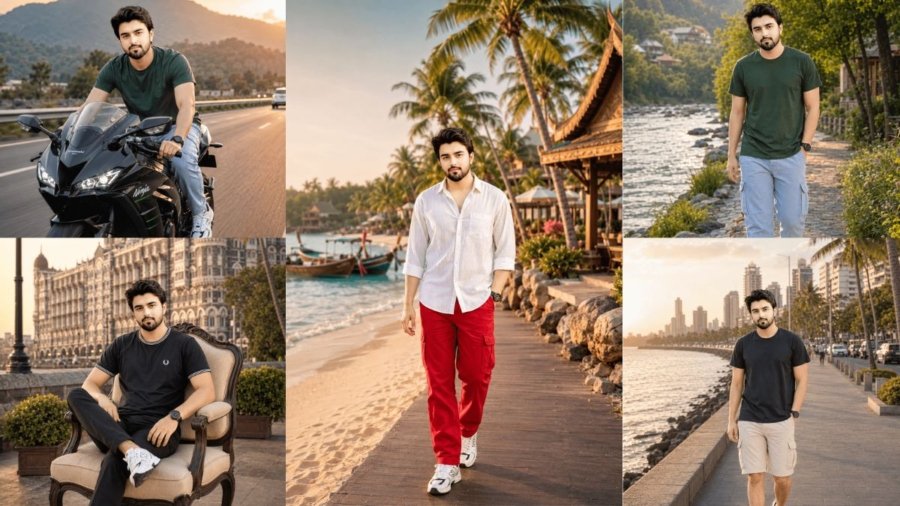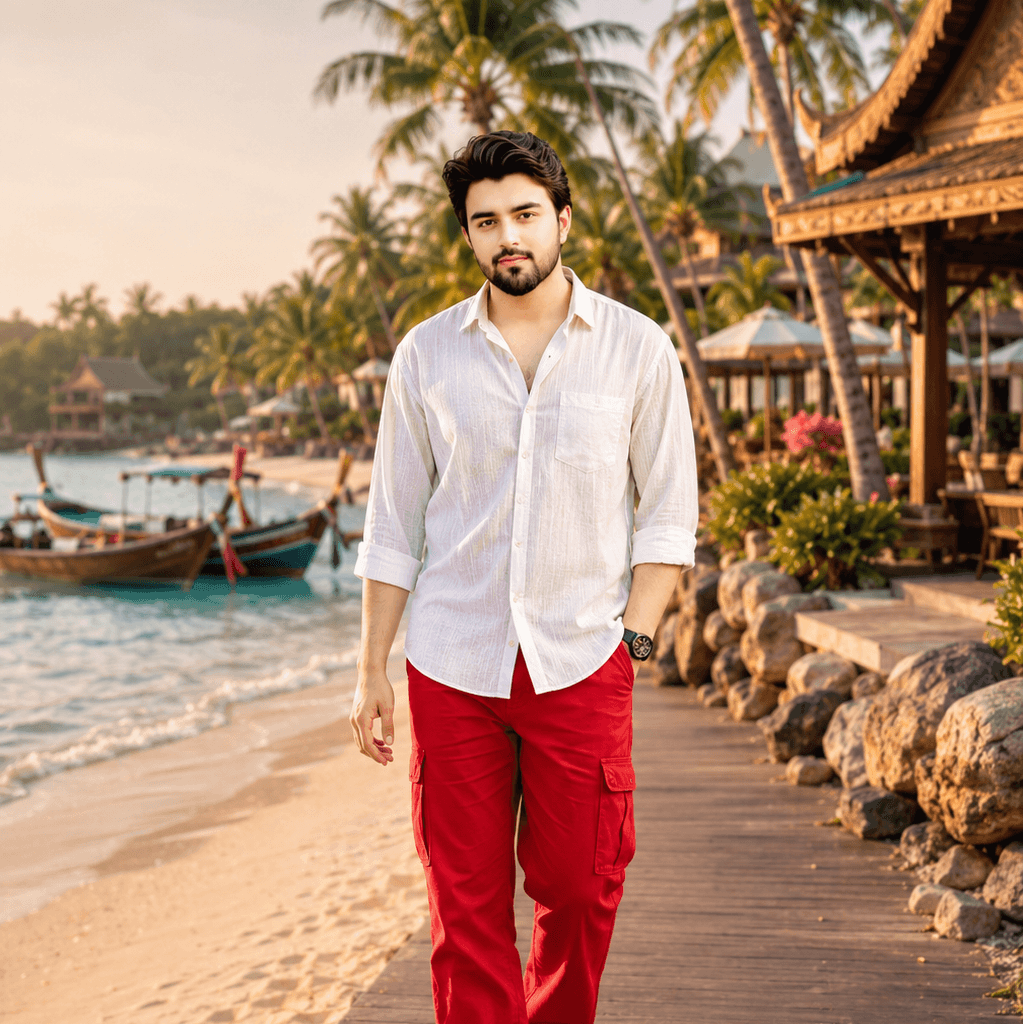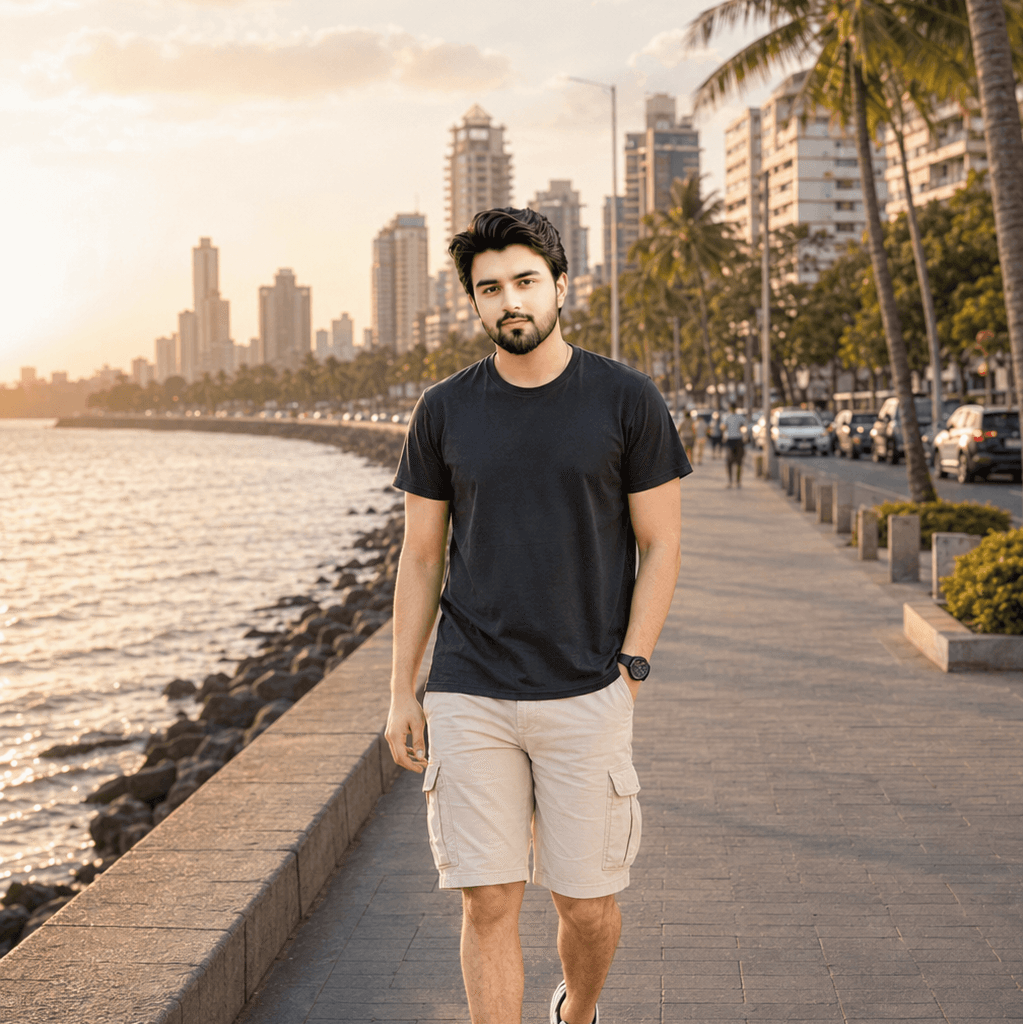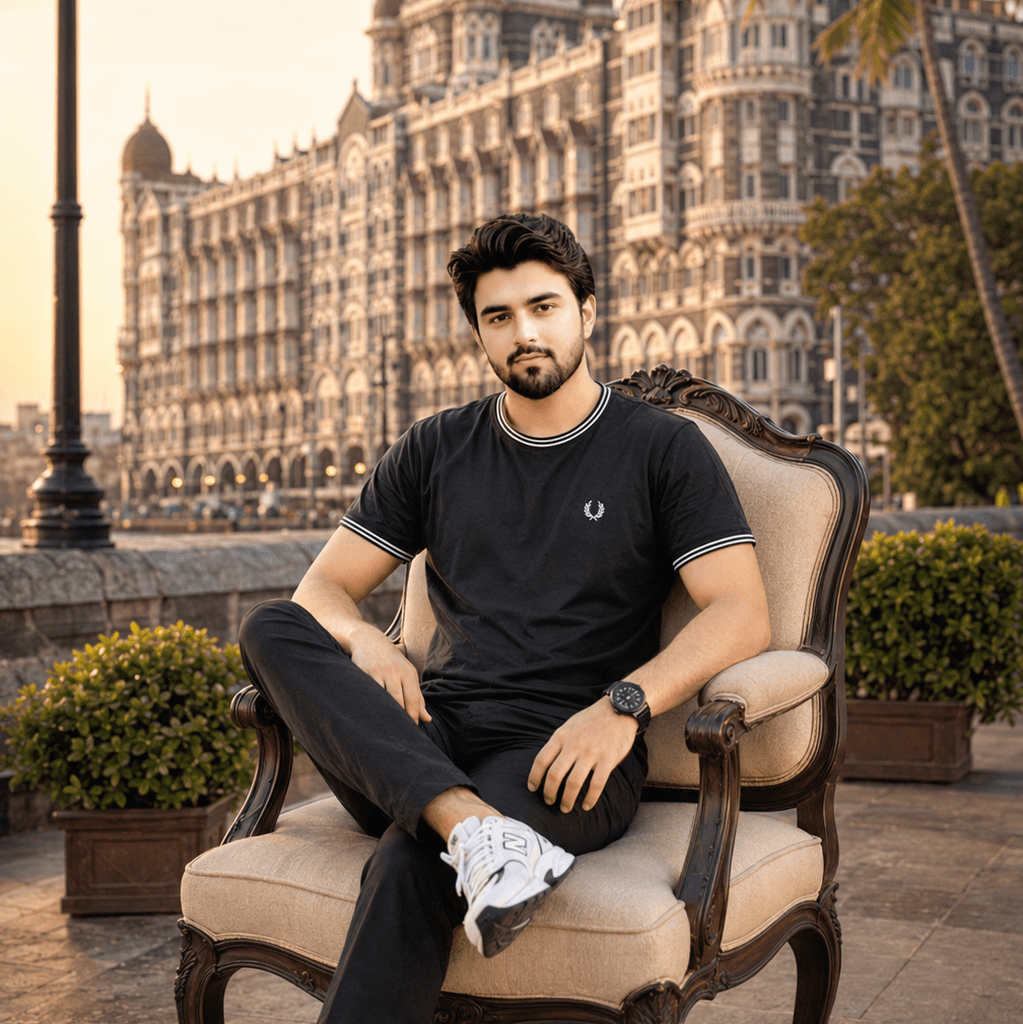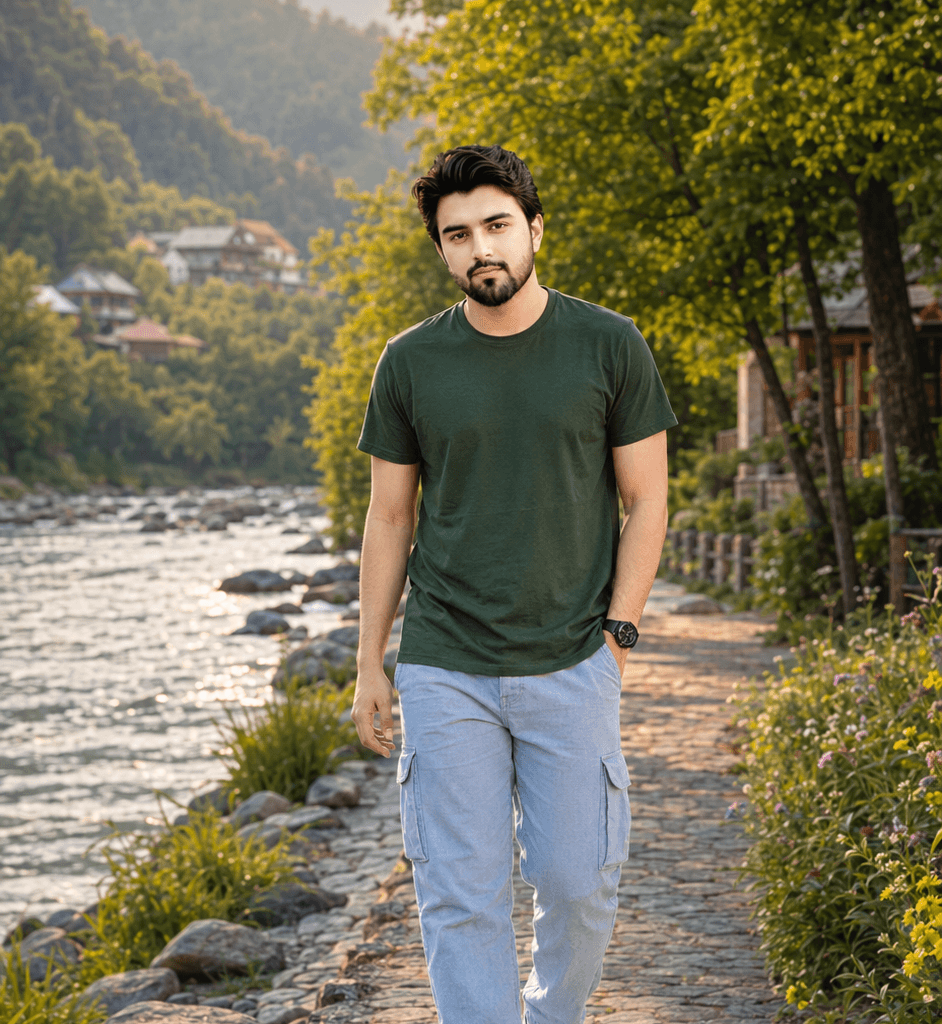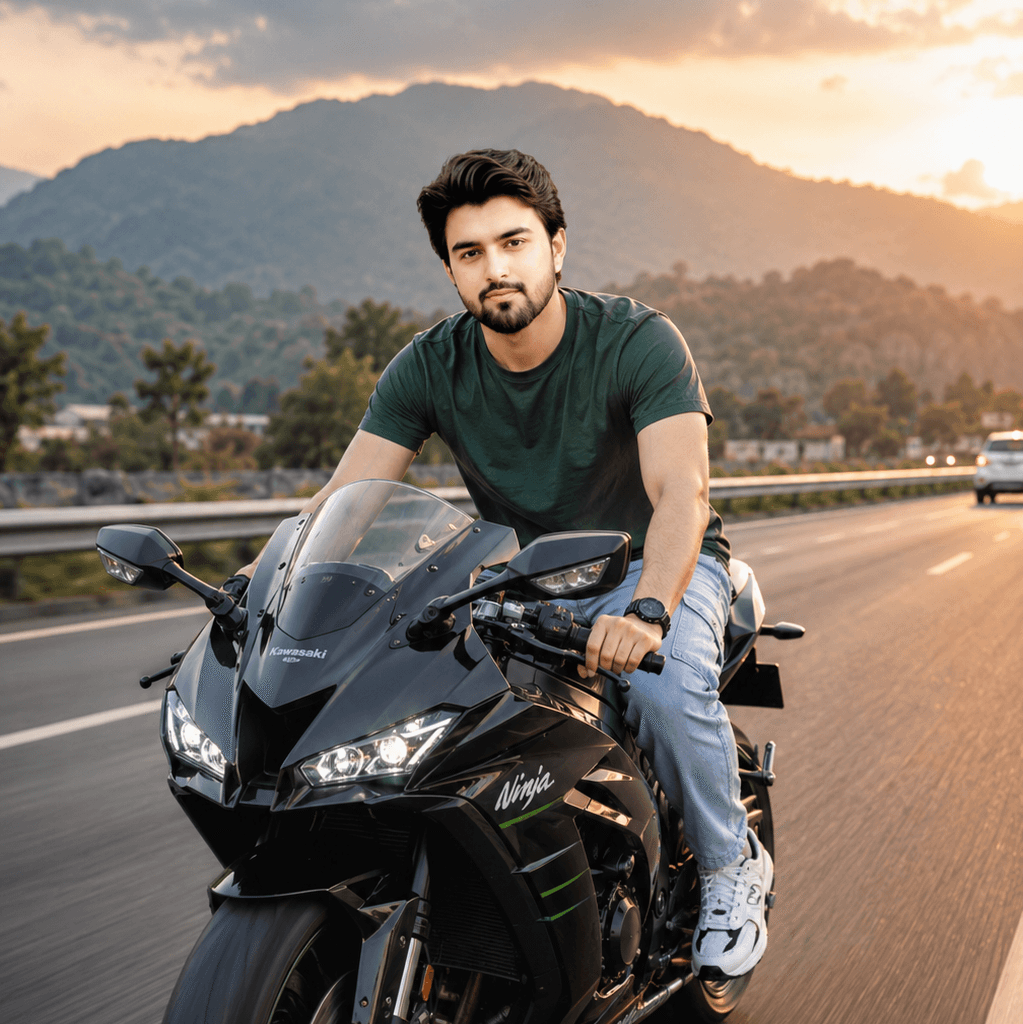
You’re not alone. Every day, thousands of content creators, students, small business owners, and social media managers face the same challenge: creating eye-catching images without spending money on stock photos or hiring designers.
The good news? Free AI image generators from text have completely changed the game in 2026.
These tools let you type a simple description—like “sunset over mountains with a lake”—and within seconds, you get professional-quality images. No design skills required. No subscriptions needed.
But here’s the catch: not all free AI image generators are equal. Some produce blurry results. Others plaster watermarks all over your creations. And many have frustrating daily limits.
I’ve spent weeks testing every major free text to image AI platform available in 2026. In this guide, I’ll show you which ones actually deliver quality results, which are truly free, and which ones you should avoid.
Let’s find the perfect tool for your needs.
How AI Text-to-Image Generators Work (Simple Explanation)
Before we dive into specific tools, let’s quickly understand how these platforms create images from your text.
AI image generators use something called “diffusion models.” Think of it like this:
You describe what you want in words. The AI has been trained on millions of images and their descriptions. It uses that training to understand your request and creates a completely new image that matches your description.
The process happens in three steps:
- Understanding: The AI analyzes your text prompt
- Generation: It creates the image from random noise, gradually refining it
- Delivery: You get your final image in seconds
The quality depends on three factors:
- The AI model’s training (how many images it learned from)
- Your prompt quality (clear descriptions = better results)
- The tool’s processing power (affects speed and detail)
Most free tools use slightly older or limited versions of premium models, but in 2026, even the free options produce remarkably good results.
Now let’s explore the best options.
Best AI Image Generator from Text Free (Top 7 Tools)
After extensive testing, here are the seven free Best AI Image Generator from Text Free that consistently deliver quality results.
1. Microsoft Bing Image Creator (DALL-E 3)
Overview: Powered by OpenAI’s DALL-E 3, Bing Image Creator is currently the most powerful completely free text-to-image tool available. Microsoft subsidizes the costs, so you get premium-level AI without paying.
Image Quality & Style: Excellent photorealism and artistic styles. Handles complex prompts with multiple subjects and specific details remarkably well.
Free Plan Limitations:
- 15 “boosts” per day (fast generation)
- Unlimited slower generations
- No watermarks
- Requires Microsoft account
Best Use Case: Perfect for bloggers and content creators who need high-quality, diverse images daily without restrictions.
Pros:
- Completely free with no hidden costs
- Premium DALL-E 3 quality
- No watermarks on images
- Commercial use allowed
- Wide style variety
Cons:
- Requires Microsoft account login
- Slower after daily boosts run out
- Content policy is strict (blocks some creative prompts)
read also: AI SEO Strategies 2026: 5 Proven Strategies to Boost Visibility and Drive Revenue
2. Leonardo.AI
Overview: Leonardo.AI focuses on gaming, fantasy, and artistic imagery. It offers impressive control over image styles and has one of the most generous free tiers.
Image Quality & Style: Exceptional for fantasy art, character design, game assets, and illustration styles. Photorealism is good but not the best.
Free Plan Limitations:
- 150 tokens daily (roughly 30-150 images depending on settings)
- Access to most AI models
- No watermarks
- Community feed visibility
Best Use Case: Ideal for game developers, fantasy artists, YouTubers creating thumbnails, and anyone needing stylized art.
Pros:
- Very generous daily limits
- Multiple AI models to choose from
- Advanced controls (negative prompts, guidance scale)
- No watermarks
- Great community resources
Cons:
- Not the best for photorealistic business images
- Learning curve for advanced features
- Free images appear in public community feed
3. Playground AI
Overview: Playground AI emphasizes ease of use while offering powerful editing capabilities. It combines image generation with intuitive editing tools.
Image Quality & Style: Very good across all styles. Particularly strong in artistic and semi-realistic imagery.
Free Plan Limitations:
- 500 images per day
- 1024×1024 max resolution
- No watermarks
- Canvas editor included
Best Use Case: Best for designers and creators who want to generate and edit images in one platform.
Pros:
- Extremely high daily limit (500 images)
- Built-in editing canvas
- No watermarks
- Mix and remix features
- Beginner-friendly interface
Cons:
- Some advanced features require Pro
- Occasional queue times during peak hours
- Commercial use restrictions on some models
4. Craiyon (Formerly DALL-E Mini)
Overview: Craiyon is the original viral AI image generator that introduced millions to text-to-image AI. It’s completely free with optional upgrades.
Image Quality & Style: Lower quality than competitors but still useful for casual use, memes, and concept visualization.
Free Plan Limitations:
- Unlimited generations
- Ads on the interface
- Slower processing
- Lower resolution
- Watermark in corner
Best Use Case: Perfect for students, casual users, and anyone who needs quick concept sketches without quality requirements.
Pros:
- Truly unlimited and free
- No account required
- Generates 9 variations per prompt
- Very simple to use
- Great for brainstorming
Cons:
- Lower image quality
- Small watermark
- Slower generation
- Limited style control
5. Ideogram
Overview: Ideogram excels at generating text within images—something most AI tools struggle with. It’s newer but rapidly improving.
Image Quality & Style: Strong photorealism and particularly impressive with designs containing text (logos, posters, signs).
Free Plan Limitations:
- 25 prompts per day
- Priority slow mode
- Public image generation
- No watermarks
Best Use Case: Best for creating social media graphics, posters, logos, and any images that need readable text.
Pros:
- Excellent text rendering in images
- Clean, professional outputs
- No watermarks
- Good photorealism
- Magic Prompt feature improves basic prompts
Cons:
- Limited daily generations (25)
- All free images are public
- Newer platform (smaller model selection)
6. Adobe Firefly
Overview: Adobe’s entry into AI image generation focuses on safe, commercially-viable content. It’s trained only on licensed and public domain images.
Image Quality & Style: Good quality, especially for commercial and marketing imagery. Style tends toward polished and professional.
Free Plan Limitations:
- 25 generative credits per month
- Standard priority
- Watermark on downloads
- Adobe account required
Best Use Case: Ideal for small businesses and marketers who need commercially safe images without copyright concerns.
Pros:
- Commercially safe (trained on licensed content)
- Integrated with Adobe ecosystem
- Professional, polished outputs
- Family-friendly content
- No ethical gray areas
Cons:
- Very limited free credits (25/month)
- Watermark on free tier
- Less creative/artistic than competitors
- Requires Adobe account
7. NightCafe Studio
Overview: NightCafe offers multiple AI models in one platform and emphasizes community engagement. It uses a credit system for free users.
Image Quality & Style: Quality varies by model chosen. Excellent artistic styles and good photorealism options.
Free Plan Limitations:
- 5 free credits daily (1 credit = 1 standard image)
- Earn extra credits through community participation
- Small watermark option
- Access to multiple algorithms
Best Use Case: Great for hobbyists and art enthusiasts who want variety and don’t mind earning credits through engagement.
Pros:
- Multiple AI algorithms available
- Daily free credits
- Community challenges and contests
- Style transfer and artistic effects
- Can earn extra credits
Cons:
- Only 5 free images daily without participation
- Some features locked behind credits
- Interface can feel overwhelming
- Credit system is confusing initially
read also: Top 5 Content Writing AI Tools in 2026: Best Tools for Bloggers and SEO Professionals
Comparison Table: Free AI Image Generators
| Tool | Daily Limit | Image Quality | Watermark | Best For | Account Required |
|---|---|---|---|---|---|
| Bing Image Creator | 15 fast + unlimited slow | Excellent | No | General content creation | Yes (Microsoft) |
| Leonardo.AI | 150 tokens (~30-150 images) | Excellent (artistic) | No | Gaming, fantasy, art | Yes |
| Playground AI | 500 images | Very Good | No | Design + editing | Yes |
| Craiyon | Unlimited | Fair | Small | Casual use, memes | No |
| Ideogram | 25 prompts | Very Good | No | Text in images | Yes |
| Adobe Firefly | 25/month | Good | Yes | Commercial safety | Yes (Adobe) |
| NightCafe | 5 credits | Good-Excellent | Optional | Art enthusiasts | Yes |
Which Free AI Image Generator Is Best for Beginners?
If you’re new to AI image generation, Bing Image Creator is hands-down the easiest starting point.
Here’s why:
It requires zero learning curve. You simply type what you want, click generate, and get high-quality results. There are no complex settings, credit systems, or style choices to confuse you.
The interface is clean and simple—just a text box and a generate button.
Plus, you likely already have a Microsoft account (from Windows, Xbox, or Outlook), so there’s no new signup process.
Craiyon is another beginner-friendly option if you don’t want to create any account. Just visit the website, type your prompt, and generate. The quality is lower, but for learning and experimenting, it’s perfect.
My recommendation: Start with Bing Image Creator for quality results. Once you’re comfortable with prompt writing, explore Leonardo.AI or Playground AI for more creative control.
Which Tool Gives the Most Realistic Images?
For photorealistic images, Bing Image Creator (DALL-E 3) leads the pack among free options.
DALL-E 3 excels at:
- Realistic human faces and expressions
- Accurate lighting and shadows
- Natural textures and materials
- Proper perspective and proportions
- Believable scenes and environments
Ideogram comes in second place, particularly for images that need to look like professional photography or marketing materials.
Leonardo.AI can produce excellent photorealism when you select their PhotoReal model, though it tends to favor artistic interpretation over pure realism.
For business headshots, product photography, or realistic scene visualization, stick with Bing Image Creator. The results often look like actual photographs rather than AI generations.
Limitations of Free AI Image Generators
Let’s be honest about what you’re giving up with free tools.
Quality Inconsistency: Free tiers often use older models or reduced processing power. You might need several attempts to get a perfect image.
Usage Restrictions: Most free plans limit daily generations. Bing gives 15 fast generations, Leonardo gives 150 tokens, and Ideogram only 25 prompts. Plan accordingly.
Commercial Use Concerns: Some free tools have unclear commercial usage rights. Always check terms of service before using images for business purposes.
Content Filters: Free platforms have strict content policies to avoid misuse. This sometimes blocks legitimate creative prompts.
No Privacy: Many free tools make your generated images public. If you’re working on confidential projects, this is a dealbreaker.
Resolution Limits: Free tiers typically cap image resolution at 1024×1024 pixels. For print or large-format use, this may be insufficient.
Watermarks (Sometimes): Tools like Adobe Firefly add watermarks on free plans. Always check before using images professionally.
Despite these limitations, free AI image generators from text remain incredibly valuable for most users. You just need realistic expectations.
Final Verdict: Which Best AI Image Generator from Text Free Should You Choose?
Here’s my honest recommendation based on different use cases:
Choose Bing Image Creator if: You want the best overall quality, unlimited slow generations, and no watermarks. Best all-around choice for most users.
Choose Leonardo.AI if: You create fantasy art, game assets, character designs, or need artistic styles. The 150 daily tokens go far.
Choose Playground AI if: You want to edit and refine images after generation, or need very high daily limits (500 images).
Choose Craiyon if: You’re a student or casual user who needs unlimited quick concepts and doesn’t care about quality.
Choose Ideogram if: You need text in your images (posters, logos, social graphics) or prefer photorealistic business imagery.
Choose Adobe Firefly if: Commercial safety is paramount and you only need occasional images (25/month).
Choose NightCafe if: You’re an art hobbyist who enjoys community engagement and wants access to multiple AI models.